Loading Apex Merchant Solutions

Skip to main content
Reviewing your current payment setup? Apex will look over your existing arrangement and tell you what we would change. Request a review
Apex Merchant Solutions
Smart terminals

Clover Station Solo

All-in-one countertop POS with a 14" merchant display and built-in printer.

On request
Available · In stock
Countertop
Clover
Request a quote

Overview

About this hardware

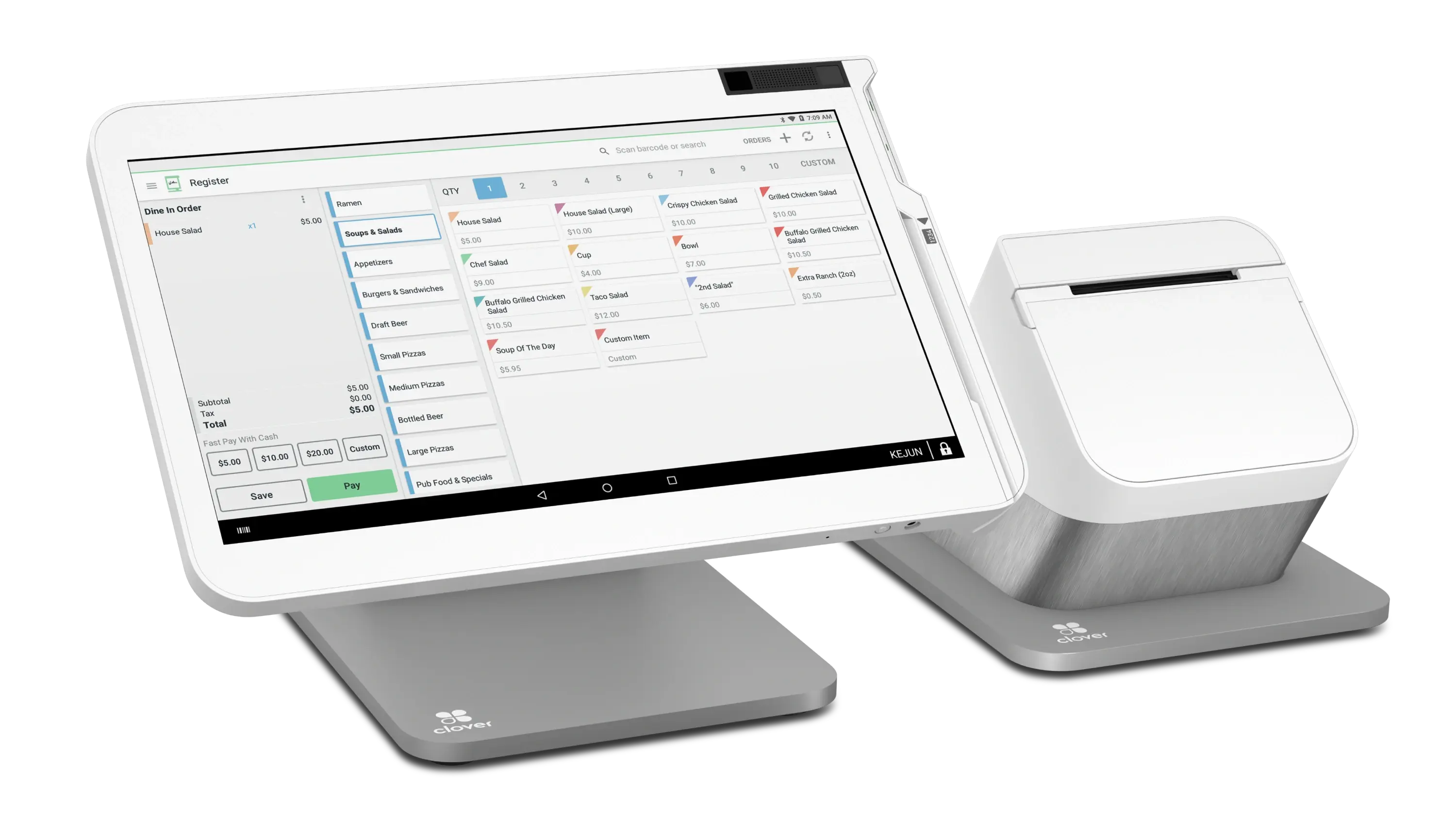
A single-screen station for the counter: a 14" tilting merchant display, internal receipt printer, cash drawer ports and fingerprint employee login, with Ethernet, Wi-Fi and 4G LTE.

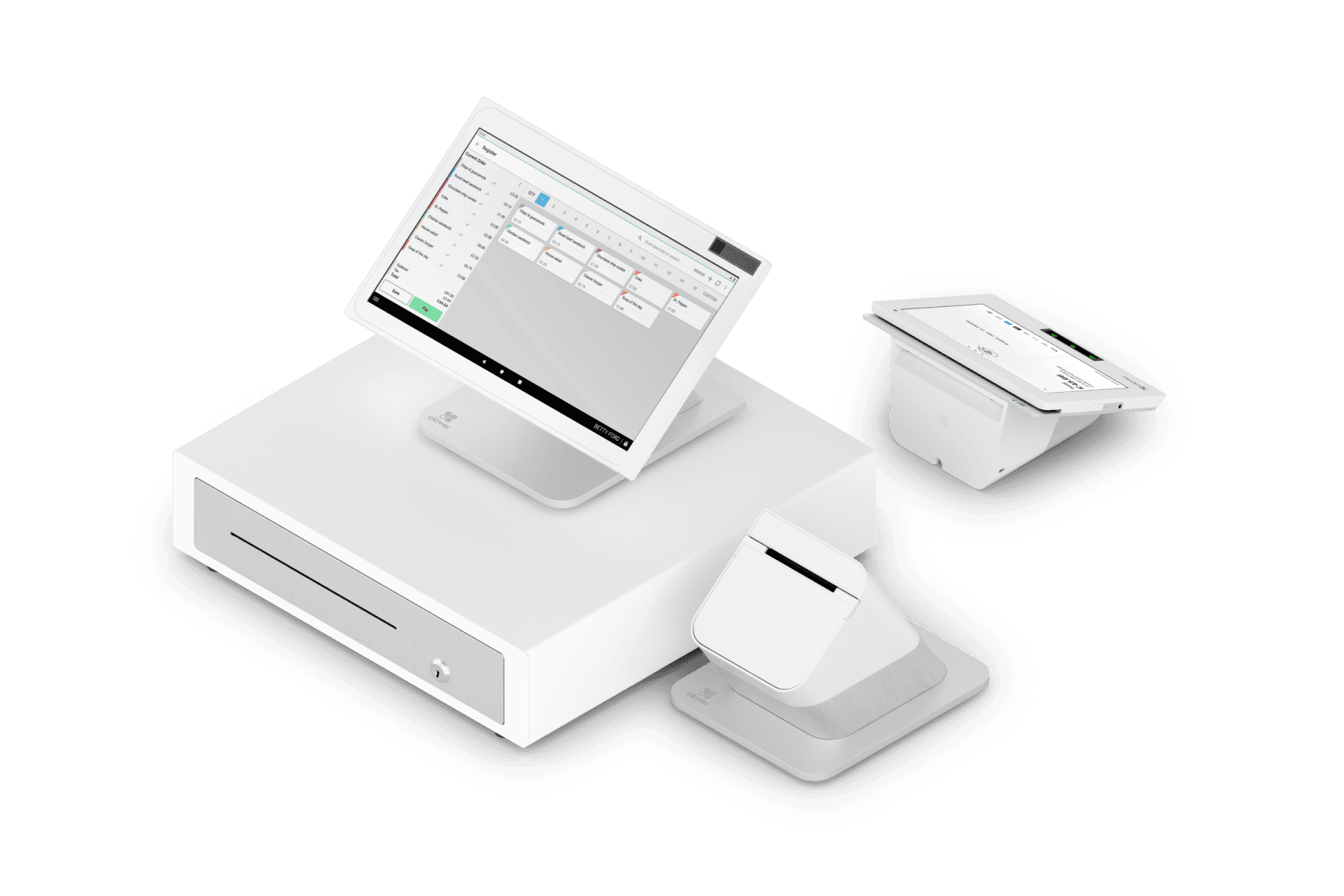
The Clover Station Solo is a single-screen countertop point of sale. Staff work on a 14-inch tilting display, with an internal thermal receipt printer, two cash drawer ports and a hub carrying four USB ports for peripherals. It is the station for businesses that need a full till but not a customer-facing second screen.

It is well suited to full-service restaurants, where orders are entered by staff and fired to the kitchen and the customer rarely touches the terminal, and equally to bars, counters and service businesses that take payment on the staff side. The local sales sheet for this device is the restaurant edition and frames it around dine-in, take-out and delivery, but the hardware is the same station in any setting.

Employee login is by fingerprint reader rather than a passcode, which is the practical difference from the rest of the range: on a shared station where several staff use the same terminal through a shift, that changes how quickly people switch and how reliably actions are attributed. Connectivity runs over Ethernet, Wi-Fi or 4G LTE.

Two points to settle before ordering rather than assume. First, if customers need to tap their own card or phone, confirm how that is provided in your configuration: Clover's technical specification for the Station Solo lists chip and swipe readers and does not list an NFC reader, while some listings describe contactless as included, so we verify it against a current data sheet for your quote rather than assume it. If customer-facing tap is essential, a dual-screen unit such as the Station Duo 2 handles it on the customer terminal. Second, cash drawer, additional printers and scanners are separate items chosen to suit your counter.

Which Clover software plan the station runs also depends on your account rather than the hardware, and determines the available apps and reporting. Clover hardware requires a merchant processing agreement.

Verified detail

Specifications

Apex publishes a figure only once it has been checked against product data. Anything not listed has not been confirmed, rather than being assumed.

Physical

Operating system
Clover-hardened Android (AOSP) 10.0, API level 29
Processor
Qualcomm Snapdragon 660 octa-core
Memory
2 GB RAM
Storage
16 GB flash

Display and input

Merchant display
14.0" LCD, 1920 x 1080, TVDPI (160 ppi), tilting
Employee login
Fingerprint reader

Connectivity

Network
Ethernet, Wi-Fi, and 4G LTE
USB
Hub with four USB device ports
Cash drawer
Two RJ11 cash drawer ports

Payment acceptance

Magnetic stripe
MSR reader
Chip card
EMV chip card reader

Printing

Receipt printer
Internal thermal receipt printer

Questions

About the Clover Station Solo

Will this work with my processing arrangement?
That is confirmed before anything is ordered. A terminal has to be certified for the acquiring arrangement your account runs on, and Apex checks that against your specific setup rather than assuming it.
Why are there no prices on these pages?
Hardware is quoted against how and where it will be used - how many units, whether they are bought or supplied with an account, and what has to integrate with them. A single published figure would be wrong more often than it was right, so we quote instead.
Why do some products show no specifications?
Apex publishes a specification only after it has been checked against product data. A record marked as an illustrative example represents a category of hardware we can source, and publishes nothing technical at all until there is something confirmed to publish.
What happens when a terminal fails?
Replacement and support terms are agreed as part of the arrangement rather than left to the day it matters. Ask about them before you order, not after.

Also available

Clover Station Duo
Illustrative example
Countertop terminals Countertop

Clover Station Duo

Dual-screen POS for busy checkout lanes

Quote on request Available on request
Clover Station Duo 2
Smart terminals Countertop

Clover Station Duo 2

Dual-screen countertop POS with a 14" merchant display and an 8" customer terminal.

Quote on request Available · In stock
Clover Mini
Smart terminals Countertop

Clover Mini

Compact 8" countertop POS with a built-in printer and cash drawer port.

Quote on request Available · In stock
Smart terminals Countertop

Clover Kiosk

Self-service ordering kiosk with a 23.8" customer screen, integrated 8" payment terminal and built-in receipt printer.

Quote on request Available

Next step

Request a quote for the Clover Station Solo

Tell us how and where it will be used. We will confirm availability, compatibility and pricing in writing.

  • Compatibility confirmed first Hardware is only useful if it works with the processing arrangement behind it. That is checked before anything is ordered.
  • Nothing overstated No promise of a rate, a timeline or an approval before underwriting has looked at your business.
  • One conversation Equipment, underwriting, integration and support are handled by the same team.
Enquiring about Clover Station Solo

Request a hardware quote

Tell us how you take payment and we will match the hardware to it rather than the other way round.

US or international. Include the country code if you are outside the US.

0 selected for comparison (maximum reached)

Compare